
Adding money to IX7 should be done only through the official cashier. For Indian players, the deposit page now uses local payment language such as INR, ₹, UPI, bank transfer and wallet-style channels where they are displayed in the account.
The exact payment method may depend on your account, current availability and verification status, so always follow the instructions shown inside IX7 at the time of deposit.
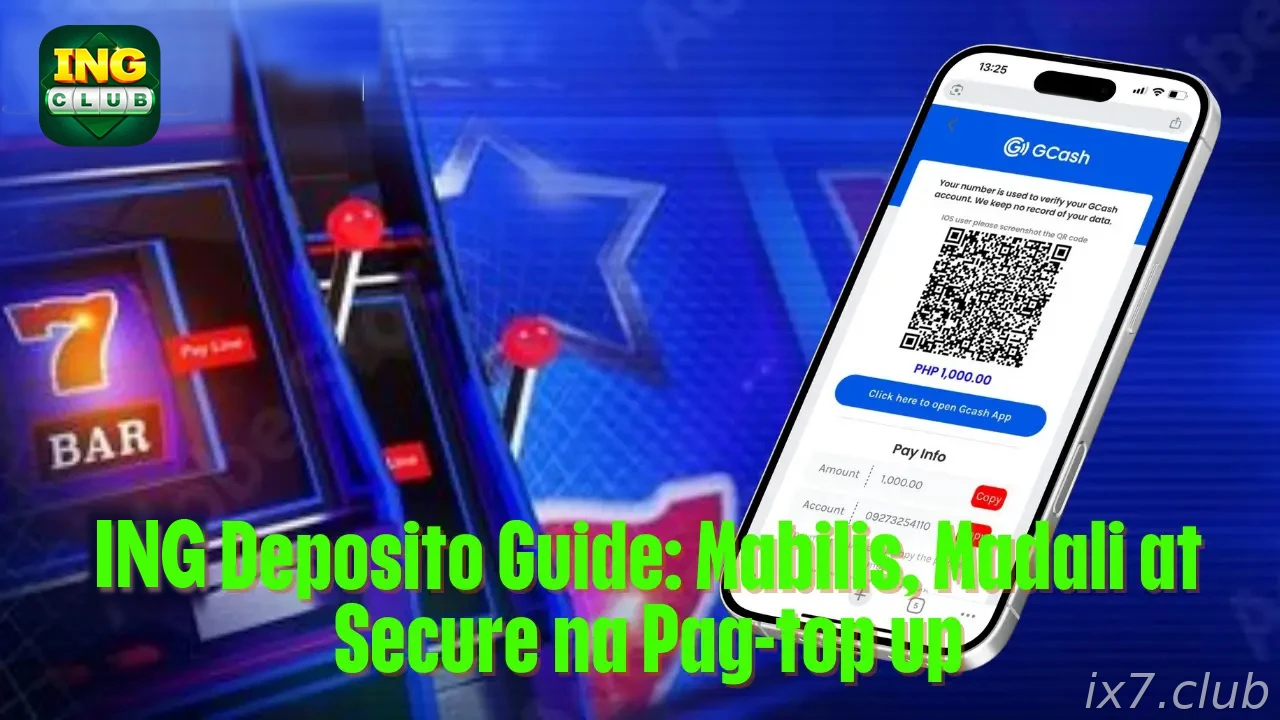
Before making a deposit
- Confirm the minimum and maximum deposit amount in ₹.
- Check the payment name, UPI ID, QR code or bank details shown inside the official cashier.
- Use your own payment account whenever possible.
- Keep the transaction reference until the IX7 balance updates.
Deposit steps
Log in, open the deposit or cashier page, choose the available INR payment channel and enter the amount. Complete the payment through the selected app or bank page, then return to IX7 to confirm the status.
If the balance does not update immediately, do not repeat the payment in panic. Take a screenshot and contact support with the reference number.
Bonus and deposit connection
Some first deposit or reload offers require a specific minimum amount. Read the bonus page before paying so you do not miss the correct amount or claim button.
Only claim a bonus when you understand wagering rules and eligible games.
Deposit safety
Do not transfer money to personal accounts shared outside IX7. Do not trust anyone promising manual credit if the details are not shown in the official cashier.
A careful deposit process protects both your balance and your bonus eligibility.